
Most people picture a data leak as a breach: a hacker, a stolen database, a ransom note. On a healthcare website, the more common leak is quieter and looks completely routine. It happens the instant a page loads, in the normal operation of the analytics and advertising tags that sit on almost every site. No alarm goes off. Nothing looks broken. Data about your patients simply leaves the browser and arrives at companies that never agreed to protect it.
This is a walk through one tracking pixel firing, step by step. We will follow exactly what leaves the browser, who receives it, and how each piece can become protected health information (PHI) under HIPAA. The mechanics are not exotic. They are the default behavior of tools you already recognize.
It starts with one request
A tracking pixel is not really an image. It is an instruction in the page that tells the browser to make a request to a third party, usually an analytics or advertising server. That request is how the tracker “sees” the visit. The moment it fires, several things travel with it, and most of them are more revealing than they sound.
The IP address goes first, every time
Every request a browser makes includes the visitor’s IP address. It is not optional, and the tracker does not have to ask for it. It is simply how the internet routes the response back, so the receiving server sees it automatically.
That matters because HIPAA’s Safe Harbor standard lists the IP address as one of the 18 identifiers that can make data individually identifiable. An IP address is not a name, but it ties to a household, an office, sometimes a single person, and it can be matched against other records. So before the tracker has captured a single click, it already holds an identifier tied to this visit. On its own, an IP address is not automatically protected health information; in 2024 a federal court rejected the idea that an IP address plus a visit to a public health page is enough by itself. What changes the picture is what gets attached to that IP next: the page, the referrer, and above all the details a visitor types in.
The URL is usually the actual leak
The most underestimated piece of data is the page address itself. The tracking request carries the full URL of the page being viewed, and usually the URL of the page the visitor came from. Healthcare URLs tend to describe exactly what the visitor is doing:
/conditions/hiv-prep/services/addiction-treatment/suboxone/appointments/new?provider=oncology/portal/results?email=jane.doe@example.com
Each of those paths or parameters says something specific about why a person is on the page, and URLs are themselves on HIPAA’s identifier list. The last example, an email address sitting in the query string, is plainly identifiable on its own. A path that names a condition, a medication, or a procedure may not be protected health information in isolation, but paired with an identifier it becomes a record of someone’s medical interest. The tracker did not do anything clever. It just logged the address.
The referrer carries the previous page too
Alongside the current URL, the browser usually sends the referrer: the page the visitor was on immediately before. If they arrived from a symptom checker, a condition page, or a search result, that prior context rides along with the new request. One pageview quietly reports two pages worth of intent.
Form fields can leave before the form is even submitted
This is where it gets worse than most teams expect. Several common tracking setups capture form data, and some do it by default.
Meta’s pixel offers a feature usually called automatic advanced matching. When it is on, it reads identifiers out of form fields, things like email address, phone number, and first and last name, hashes them, and sends them with the event. Tag managers can be configured, sometimes by accident, to capture the contents of input fields as variables. Free-text fields, including a “reason for visit” box or a message field, can be swept up the same way.
Two things make this dangerous in healthcare. First, the data is real PHI: an email or phone number attached to a visit to a treatment page is exactly what HIPAA protects. Second, hashing does not solve it. A hashed email is still a stable, matchable identifier, and the receiving company can often connect it back to a known person using its own records. “We hash it” is not the same as “it is anonymous.”
Clicks and button text reveal intent
Modern analytics also records interactions: which buttons get clicked, which links get followed, the text on those elements, and the IDs developers gave them. On a healthcare site, that text is rarely neutral. “Book an HIV test,” “Request a Suboxone refill,” “Talk to a counselor,” these labels describe the visitor’s purpose in plain language, and they travel as event data alongside the same IP address and URL. The visitor never typed anything. They just tapped a button.
Cookies turn one visit into a profile
A single pageview is revealing. The larger problem is that trackers are built to connect visits over time. Analytics and advertising tools drop cookies that store a persistent identifier in the browser: a client ID for analytics, and separate identifiers for advertising pixels. On the next visit, the same identifier comes back.
That persistence is what turns scattered events into a profile. The browser that read the addiction-treatment page on Monday and the appointment page on Wednesday is recognizably the same browser, linked by the cookie and reinforced by the IP address. Stitch those together and you no longer have anonymous traffic. You have a timeline of one person’s health interest, held by a third party.
Where it all goes, and why none of it is allowed
Follow the requests and they lead to the same handful of destinations: large analytics and advertising companies whose business is built on this data. The legal problem fits in one sentence. Any company that handles protected health information on your behalf has to sign a Business Associate Agreement (BAA) that makes it legally responsible for protecting that data, and the major ad and analytics platforms do not sign one for these products. Their own terms tell you not to send them health data in the first place.
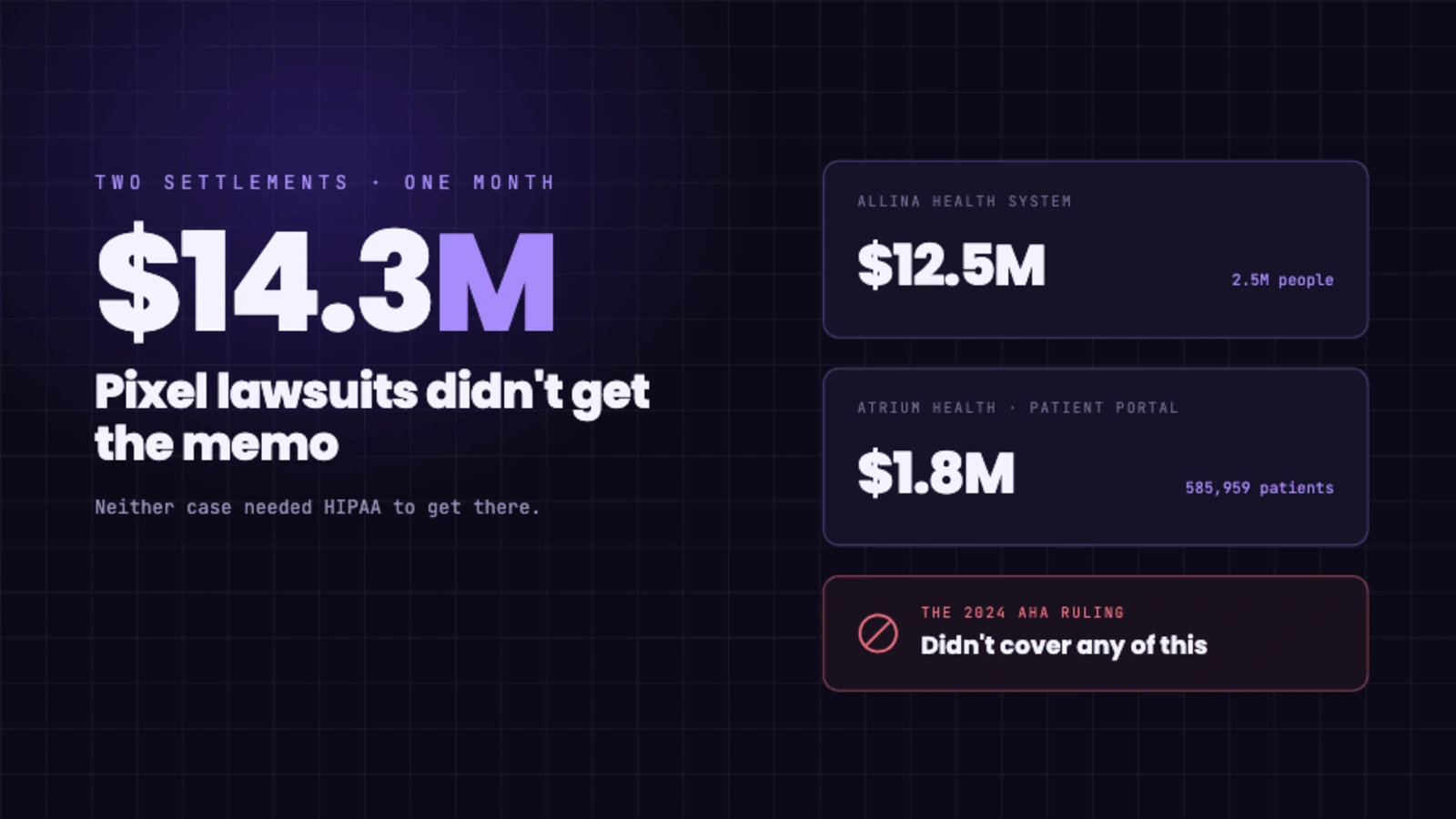
So the transmission itself is the violation. You do not have to be breached or audited. The moment identifiable data about a patient’s health reaches a vendor with no BAA, the exposure already exists. This is not theoretical. A 2023 study in Health Affairs found that 98.6% of hospital websites had at least one third-party data transfer, researchers have documented major hospital systems sending patient data to Meta through the pixel, and health systems have paid millions of dollars to settle the resulting class actions. The tool was doing exactly what it was designed to do. That was the problem.
How to watch it happen on your own site
You can see all of this yourself in a few minutes, with no special tools. Open your site in a desktop browser, open the developer tools, and select the Network tab. Click through your pages, especially condition pages and anything with a form, and watch the requests going out to third-party domains. Look at the request URLs and payloads. If you see your page paths, referrers, or form values being sent to a domain you do not have a BAA with, that is the leak, in real time. Most teams are surprised by how much is already flowing.
How Ghost Metrics is built so this does not happen
Ghost Metrics exists because none of the above is necessary to understand your website. The platform is built so the data stays inside a system that is actually responsible for protecting it.
- We sign a BAA with every customer, so the data has a contract behind it.
- Analytics is first-party and self-contained. Your visitors’ data is not handed to advertising networks or sold downstream.
- We do not build the cross-site identity graph that makes re-identification possible, and the identifying details that create risk are not collected in the first place.
- Data is encrypted in transit and at rest and hosted on infrastructure in the United States, under controls that were independently examined in our SOC 2 Type II audit.
You still get what marketing actually needs: how many people visit, where they come from, which pages work, and how many become patients. You just get it without quietly mailing your patients’ health interests to a third party.
If you want to see exactly how the data is handled, our Trust Center is at security.ghostmetrics.io.